How to Compress PDF Without Losing Quality
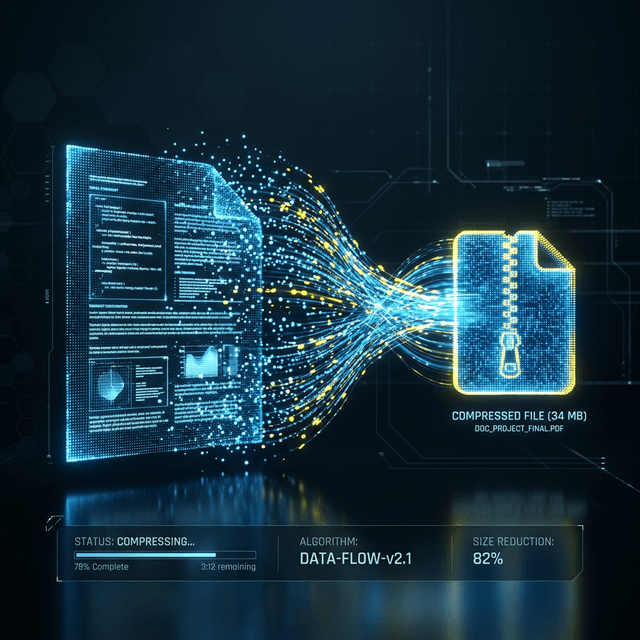
Compressing a PDF often feels like a trade-off between file size and readability. However, with the right approach, you can significantly reduce your document's weight while keeping the quality professional.
Why Compress Your PDFs?
Whether you're sending an application, sharing a business report, or storing archives, large PDF files can be a headache. They exceed email attachment limits, slow down website performance, and eat up expensive cloud storage.
Try Our Free Tool
Looking for an instant solution? Our free PDF compressor online uses smart optimization to shrink your files by up to 90% without sacrificing quality.
Compress PDF NowStrategies for High-Quality Compression
- Use Vector-Based Assets: Tools that handle text and paths as vectors rather than pixels preserve sharpness at any size.
- Smart Image Sampling: Medium compression levels (like 144 DPI) are perfect for screens and basic printing.
- Remove Unused Metadata: Hidden data like creator info or old revisions can add unnecessary bulk.
The Browser-Side Advantage
"Most online PDF compressors upload your data to a remote server. At ShrinkMyPDF, we do things differently."
By using client-side processing, your files never leave your device. This isn't just a win for privacy; it's often significantly faster because you don't have to wait for large uploads or downloads from a busy server.